 Chat with us

Call us now :08045478608
 Send Inquiry
 Send Inquiry
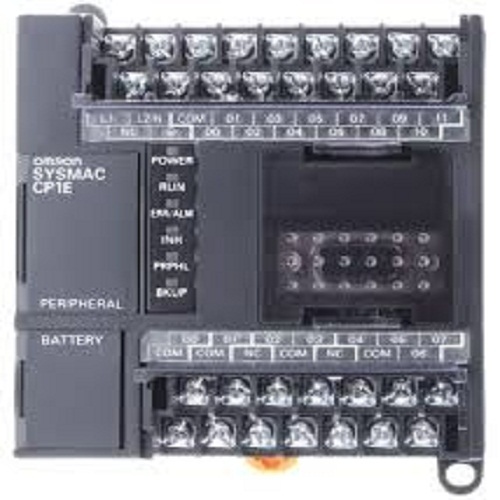
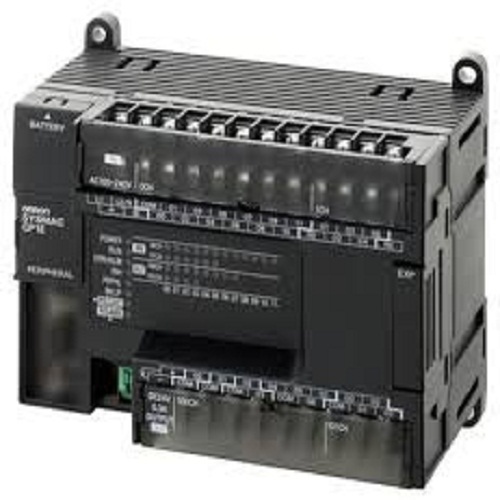
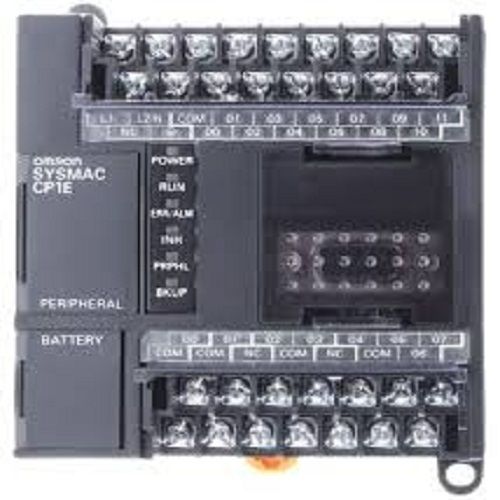
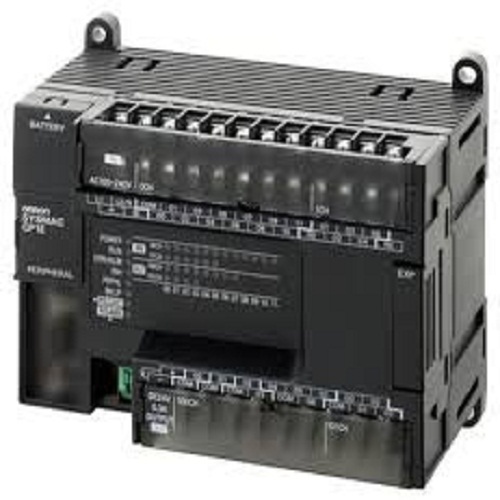
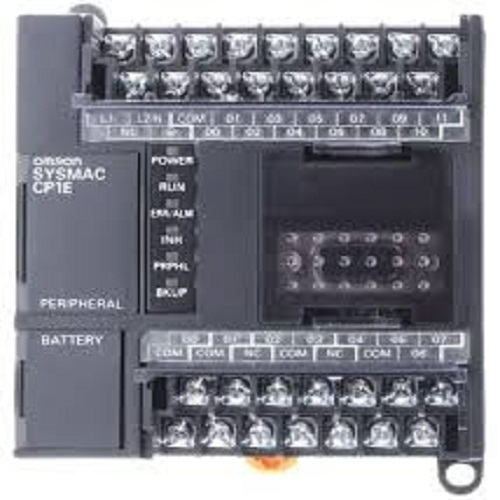
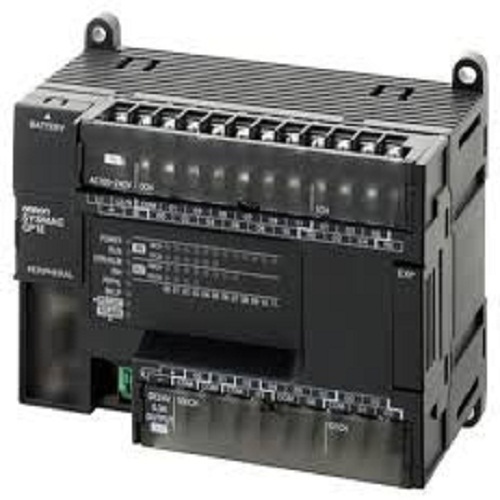
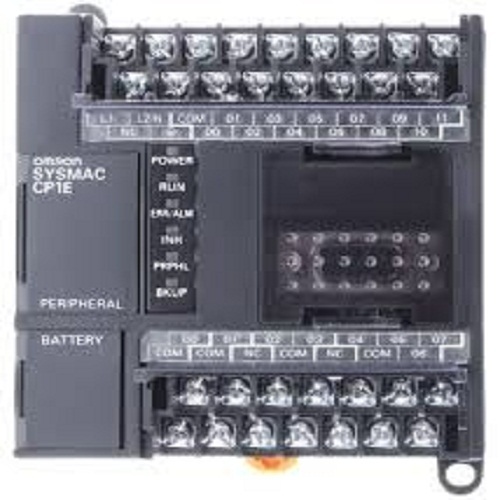
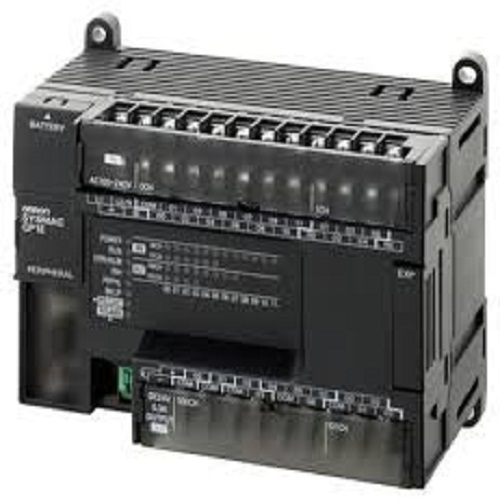
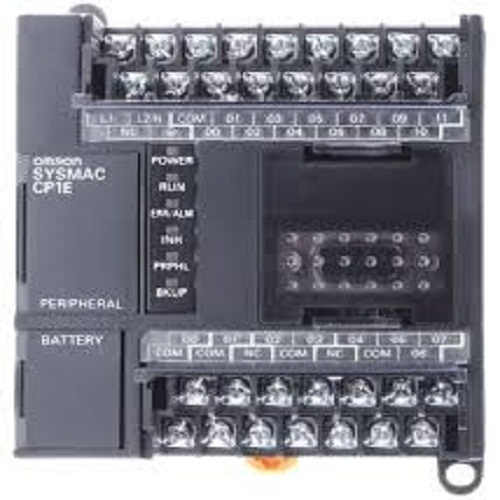
Omron Cp1e Plc
Price 90000-2500000 INR/ Unit
MOQ : 1 Unit
Omron Cp1e Plc Specification
- Phase
- Single Phase
- Speed Range
- Programmable, up to 10K steps program capacity
- Automation Grade
- Automatic
- Control Type
- PLC Logic Control
- Connectivity Type
- RS232C, USB, RS-485 (optional modules)
- Processor Type
- High-speed microprocessor
- Weight
- Approx. 300g including base unit
- Sensor Type
- Supports Digital & Analog sensors (via expansion)
- Frequency
- 50/60 Hz
- Load Capacity
- Depends on module specification
- Remote Control
- Yes
- Mounting Type
- DIN Rail or Panel Mounting
- IP Rating
- IP20
- Features
- Compact size, expandable I/O, high-speed processing, integrated USB
- Drive Type
- Electronic
- Cable Length
- Depends on I/O and communication cable, typically 2m standard
- Application
- Industrial Automation, Machine Control, Packaging, Material Handling
- Material
- Plastic and Metal Housing
- Power
- 24V DC (Supply voltage)
- Temperature
- Operating: 0°C to 55°C
- Voltage
- 24V DC
- Response Time
- 0.2 µs / basic instruction
- Model Series
- CP1E-N and CP1E-E Series
- Communication Protocols
- Modbus, Host Link, Serial
- Memory Capacity
- 2K step (CP1E-N) / 8K step (CP1E-E)
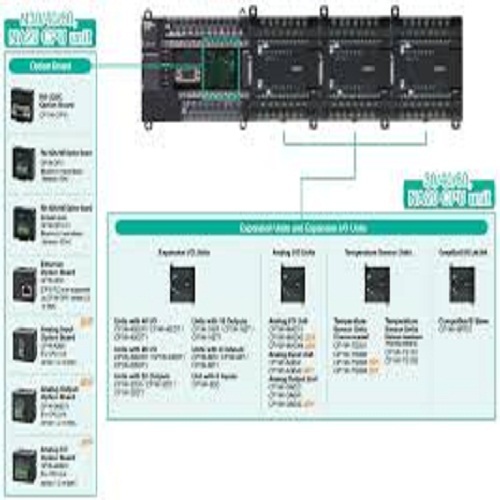
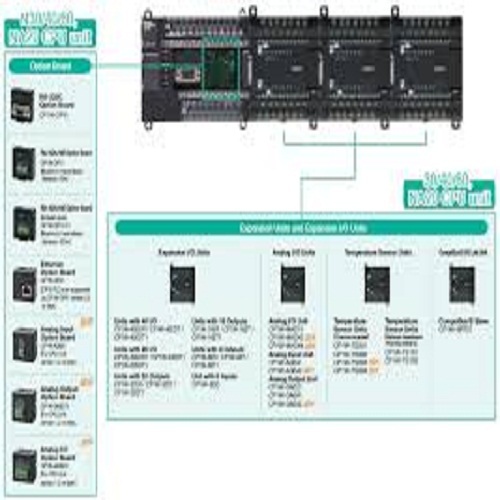
- Expansion I/O Modules
- Supported, max 3 units
- Number of Inputs
- 14 to 40 (based on model)
- Clock / Calendar
- Optional (with add-on module)
- Programming Language
- Ladder Diagram (IEC61131-3 compliant)
- Number of Outputs
- 6 to 24 (based on model)
- Analog I/O Support
- With optional expansion
- Battery Backup
- No (optional with expansion)
- USB Port
- Built-in (programming/communication)
- Output Type
- Relay or Transistor (model-dependent)
Omron Cp1e Plc Trade Information
- Minimum Order Quantity
- 1 Unit
- Supply Ability
- 100 Units Per Day
- Delivery Time
- 1 Week
Omron Cp1e Plc About
Omron Cp1e Plc
Easy to use input editor with smart input function [All Models]
When you begin typing an instruction from the keyboard in Ladder Editor Mode,suggested instructions are displayed and the addresses are automatically entered.
Connecting lines are added automatically based on the cursor position, enabling intuitive ladder programming.
Easy Input Editor
Instruction and Address Input Assist Functions
CP1E Features 8
When you begin typing an instruction from the keyboard while in the Ladder Editor Window, suggested instructions are displayed. All you have to do is select the instruction from the list for easy input even if you do not remember the entire mnemonic.
Flexible Automation for Industrial Applications
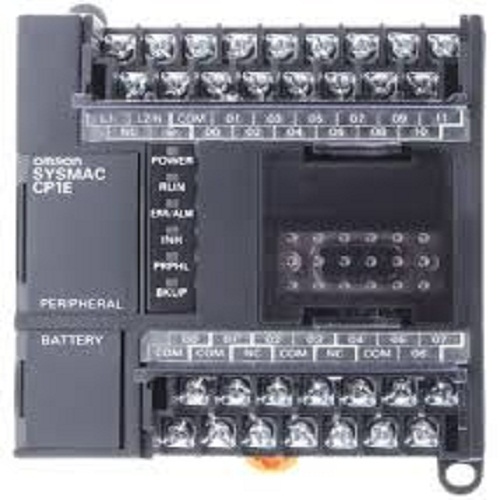
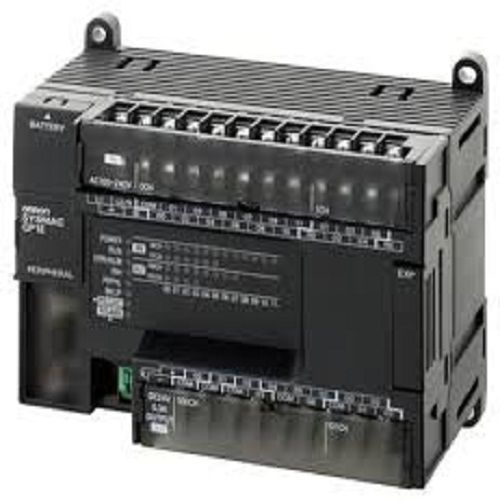
Omrons CP1E PLC models are engineered to enhance industrial automation across various sectors such as manufacturing, packaging, and material handling. With compact design, programmable logic control, and support for both digital and analog signals (via expansion modules), these PLCs are ideal for space-constrained or scalable automation setups. Supporting up to 40 inputs and 24 outputs, they meet diverse control requirements while ensuring efficient system upgrades when needed.
Integrated Connectivity and Fast Processing
The CP1E series supports rapid data processing with a high-speed microprocessor, delivering a 0.2 s response per basic instruction for real-time control. Standard connectivity through USB and RS232C (plus optional RS485) enables easy programming and communication, while Modbus and Host Link protocols foster device interoperability. Optional networking modules allow remote monitoring and control, ensuring these PLCs adapt seamlessly within smart industrial environments.
FAQs of Omron Cp1e Plc:
Q: How do I expand the input and output capabilities of the Omron CP1E PLC?
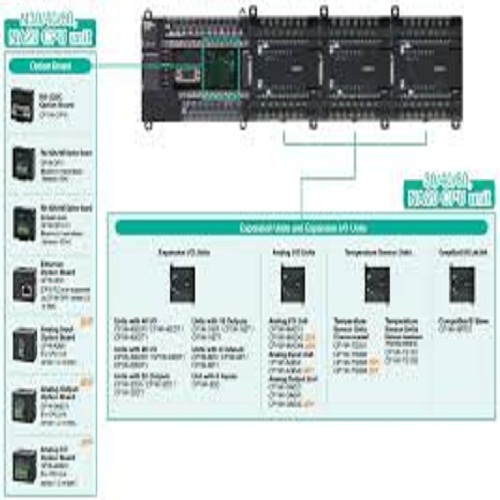
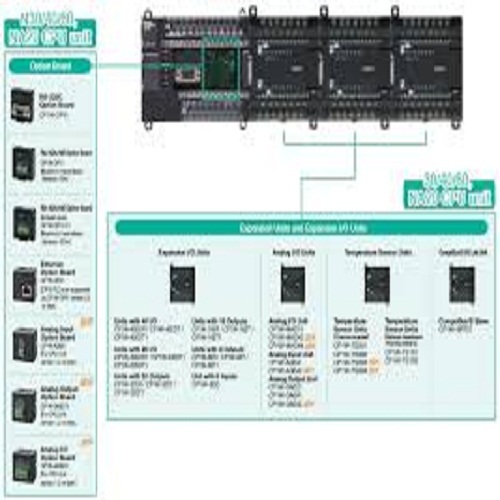
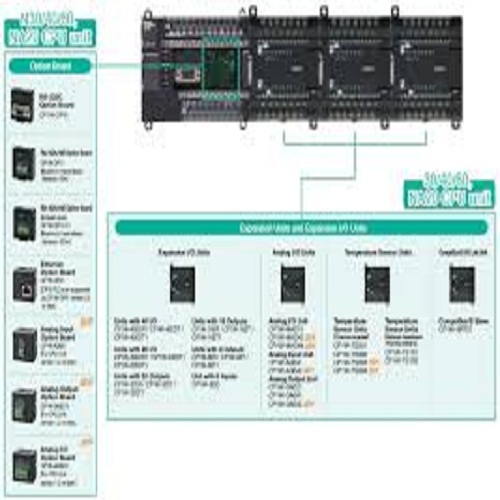
A: You can increase the I/O points of the CP1EPLC by connecting up to three optional expansion I/O modules, allowing tailored input/output capacity for specific industrial applications. Analog I/O can also be supported with the appropriate expansion modules.Q: What programming language is used for the CP1E-N and CP1E-E series, and what are its benefits?
A: Both series utilize the Ladder Diagram language, conforming to IEC61131-3. This standard programming method is widely adopted for its easy-to-read structure, making system configuration, troubleshooting, and program modifications straightforward for engineers.Q: When should I choose between relay and transistor output types in CP1E PLCs?
A: Select relay outputs when switching mechanical devices or loads, while transistor outputs are ideal for high-speed switching tasks. The choice between relay and transistor outputs depends on your applications speed, voltage, and current requirements.Q: Where can the Omron CP1E PLC be mounted?
A: The CP1E series can be installed on either a DIN rail or a panel, allowing flexibility in fitting inside various control cabinets and machinery layouts. This versatility ensures easy integration into new or existing automated systems.Q: What is the process for programming and communicating with the CP1E PLC?
A: Programming is performed via the built-in USB port using Omrons programming software. For data exchange or system integration, standard RS232C and optional RS485 (through modules) can be used, supporting protocols like Modbus and Host Link for seamless communication.Q: How does the optional clock/calendar and battery backup feature work?
A: The CP1E PLCs clock and calendar functionality is available with an add-on module. Similarly, battery backup for program and data retention can be enabled using optional expansion componentsthese are useful for applications requiring time-stamped operations and data preservation during power interruptions.Q: What are the main benefits of using Omron CP1E PLCs in industrial automation?
A: Key benefits include compact size, high-speed processing, expandable I/O, integrated USB for programming, robust plastic and metal housing, and flexible mounting options. These features contribute to improved system performance, scalability, and ease of maintenance in demanding automation environments.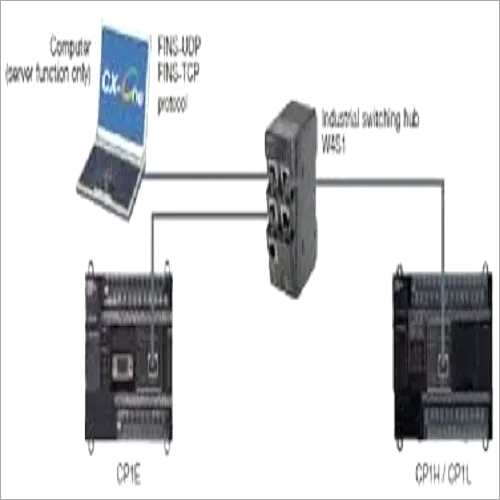
Tell us about your requirement

Price:
Quantity
Select Unit
- 50
- 100
- 200
- 250
- 500
- 1000+
Additional detail
Mobile number
Email

More Products in OMRON Automation Category
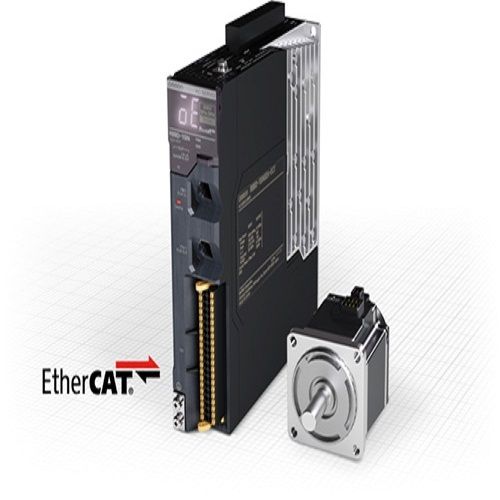
OMRON 1S Servo Drive
Price 90000-2500000 INR / Unit
Minimum Order Quantity : 1 Unit
Weight : Approx. 1.2 kg 7.5 kg (depending on model)
Voltage : 200230 VAC; 380480 VAC (model dependent)
Screen Size : N/A (Module enclosure without display)
Load Capacity : Up to 15 kW (dependent on selected model)
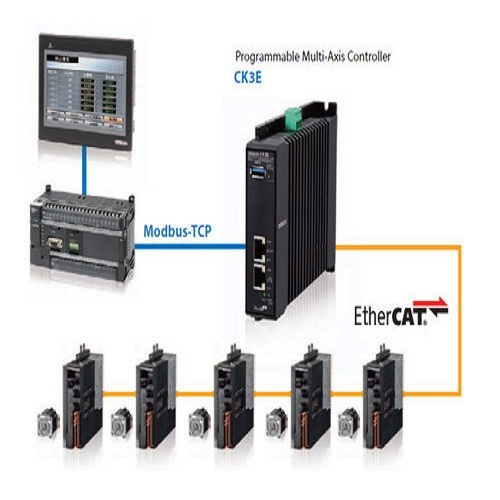
CK3E Motion Controller
Price 98000 INR / Piece
Minimum Order Quantity : 1 Piece
Weight : 540 Grams (g)
Voltage : 24 (20.4 to 26.4) Volt (v)

 Send Inquiry
Our Products
- Aerosols
- Industrial Automation
- Electronics & Electrical Supplies
- Adhesives & Sealants Weicon
- 5 Axes Tool Grinding Software
- Weicon Wire Stripper
- OMRON Automation
- KEB Servo System
- CNC Tool Grinding Machine
- Stripping Tools
- Adhesive
- Epoxy Glue
- Epoxy Resin
- Sealent
- DC Drives
- KEB Drives
- WEICON Products
- Vector Controlled Drives
- Replacement Blade
- Aerosol Cleaner
- Servo Drive
- Measuring Instruments
- Industrial Optical Scales
- Digital Readouts
- Magnetic Transducer And Strip
- KEB Application Drives
- Geo Brick AC Drive
- KEB Elevator Drive
- CNC Walter Helitronic
- Search Light
- WEICON Technical Sprays
- Caulking Gun
- Mounting Tape
- Plastic Nozzles
- Primer Adhesive Applicator


No. 136-137/6, 8th Main, Third Phase, Peenya Industrial Area,Bengaluru - 560058, Karnataka, India

Mr Girish AN
(Proprietor)
Mobile :08045478608
 Send Inquiry
 Send SMS
 Call Me Free
Developed and Managed by Infocom Network Private Limited.


 English
 Spanish
 French
 German
 Italian
 Chinese (Simplified)
 Japanese
 Korean
 Arabic
 Portuguese